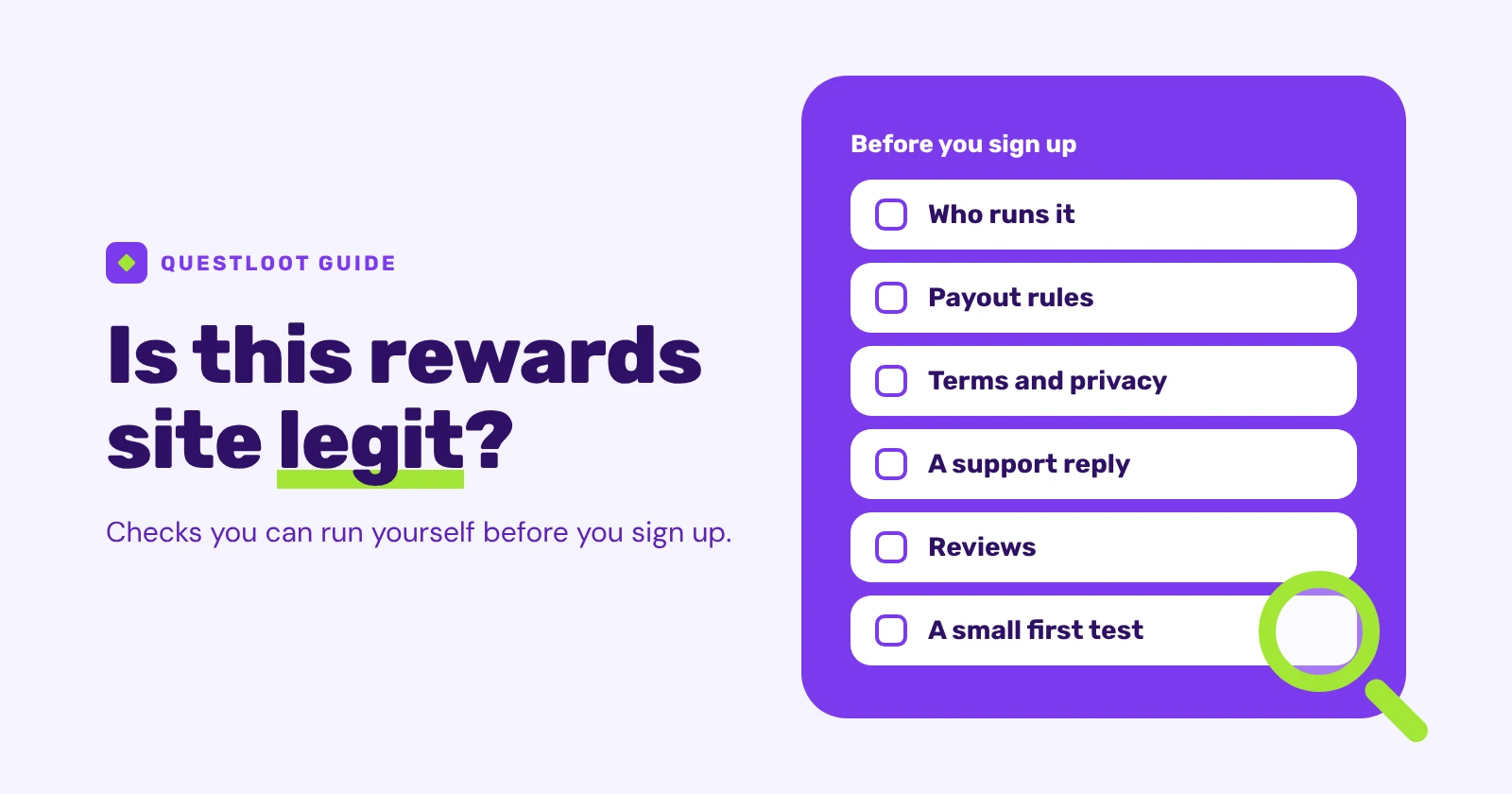
No single check proves that a rewards site is legit, but a handful of things you can verify yourself tell you most of what you need before you hand over an email address. Who runs the site? What does it say in writing about payouts and your data? How does it answer a question? What do other people report? And does a small first payout actually arrive? Passing all of them doesn't guarantee a good experience, but it makes a nasty surprise less likely. This guide works through those checks in order, for get-paid-to sites of any kind: game quests, surveys, tasks or a mix.
What does "legit" mean for a rewards site?#
A legit site is run by a real, identifiable operator, pays what its written rules say it pays, handles your data the way its policy describes, and can be reached when something goes wrong. That's the whole definition.
It doesn't mean every offer will credit. Partners decide whether you completed a game milestone or a survey, and some completions simply don't track. The missing-credit steps in our game quest guide and survey guide cover those cases. It also doesn't mean a site is worth your time, which is a separate question about how much its offers pay for the minutes they take.
Who runs the site, and can you verify it?#
Start with the company, because everything else depends on it. A trustworthy site names its operator somewhere you can find without signing up, usually in the footer, the Terms or an About page. Then check that the name leads somewhere real.
| Check | Where to look | What a good answer looks like |
|---|---|---|
| Operator named | Footer, Terms, About page | A full legal name, the state or country it's organised in, a postal address and a support email on the site's own domain |
| Registration record | The business registry for that state. In the US, the SBA keeps a list of state registration offices | The exact legal name turns up in the registry. Wording and detail vary from one state to the next. Outside the US, use that country's company register |
| Domain history | ICANN's free Registration Data Lookup Tool | A registration date that fits the site's story. The owner's details are often hidden |
Treat these as clues, not verdicts. ICANN's free lookup tool shows the public registration data for a domain, and what you see depends on the domain ending and the registrar. For some endings, such as .io, the tool offers a WHOIS lookup instead and may ask you to confirm you're not a robot first. A young domain isn't proof of a problem, and an old one isn't proof of safety. What you're looking for is a company name you can match across the site, the registry and the terms, and the absence of anything that contradicts it.
What do the payout rules say before you sign up?#
This is the most revealing page on any rewards site, and you should be able to read it without an account. Look for these, and tick them off as you find them:
- Which payout methods are offered.
- The minimum for each one.
- How long a cashout is reviewed, and what the review involves.
- Any fees.
- Whether an identity check is needed before a first cashout.
- Limits on how often or how much you can cash out.
- What happens to a cashout that's declined.
- Whether balances can expire.
If you can't find these without signing up, treat that as a reason to look harder before you sign up. A site that explains its payouts openly is easier to judge. Our guide to how cashouts work walks through a cashout, step by step.
What should the Terms and the privacy policy tell you?#
You don't need to read every line. You need to find a few specific things, and a search of the page will get you there quickly. Try the words "reverse", "forfeit", "expire", "bonus", "dispute" and "delete".
- Who the company is, and where disputes are handled.
- How rewards are credited, and who decides. If a partner decides, the terms should say so.
- Reversals. Can a credited reward be taken back, and what happens to your balance if it is?
- Closure and forfeiture. What happens to your balance if the account is closed.
- Expiring balances. Do unused balances lapse?
- Bonus conditions. What has to happen before a promotional credit becomes yours?
- Location and age rules. Are you eligible at all?
- Your data. What is collected, who receives it, and how you can have it deleted. Our survey guide explains what survey sites collect and how to limit it.
Plain, specific language is a good sign. Vague promises, or a policy that never mentions who gets your data, are reasons to slow down.
How does the site handle a question before you sign up?#
Support is easiest to judge before you have anything at stake. Pick one specific question whose answer is already in the written rules, such as how long a cashout review takes, and send it. Then compare two things: whether the reply matches the rules, and how long it took.
A reply that answers your actual question and agrees with the published terms is a good sign. A contact form with no email address and no FAQ is a thin answer. So is a reply that ignores what you asked.
What do reviews and complaints really tell you?#
Search for the site's name plus the words "complaint" or "scam", as the FTC's online shopping advice suggests: "Search online for the product or company name, plus the words “complaint” or “scam.”" The same page adds a warning worth remembering: "don’t rely on star ratings alone because some reviews and ratings are fake or misleading."
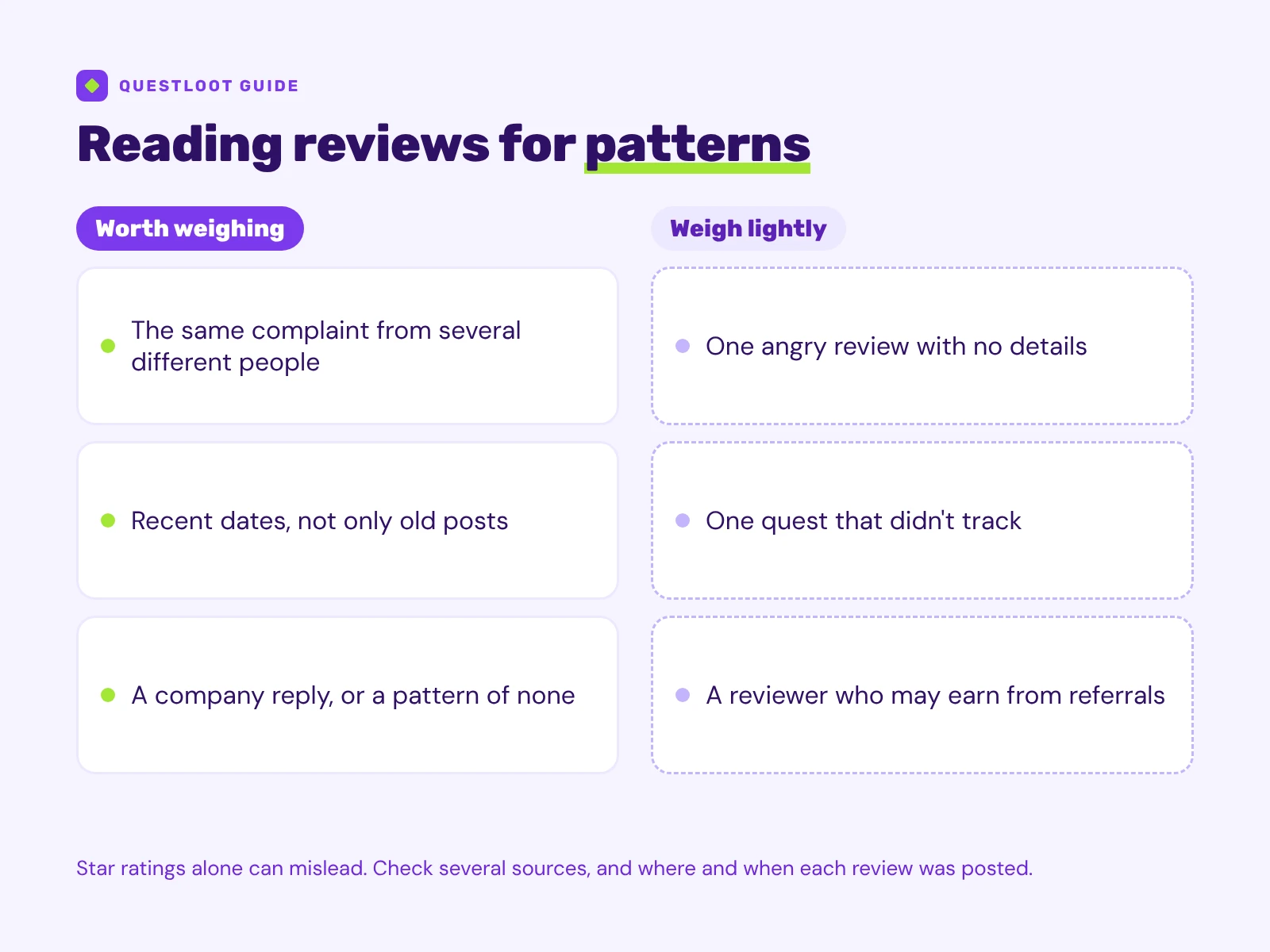 Patterns are worth weighing. One-offs usually aren't.
Read the middle and low ratings for repeated complaints about the same thing. Several people describing the same problem, such as never being paid, an account closed right after a cashout, or silence from support, count for far more than one angry review. The FTC also says: "Check several sources and consider where a review is posted, who wrote the review, and the reviewer’s history."
A few more habits help:
- Check the dates. A burst of complaints from last month matters more than old ones.
- See whether the company replies, and how.
- Remember that some reviewers earn from referrals without saying so.
- Separate one-off tracking problems from patterns. A single quest that didn't track is often the partner's call. The same complaint from many people, or silence from support, is still worth weighing.
What does the app store listing tell you?#
If the site has a mobile app, its store listing is one more source. Check that the developer's name matches the company you found earlier, and look at when the app was last updated. On Google Play, the Data safety section is worth a look: Google says "Developers use the Data safety section to share information about how their app handles your data." Because the developer writes it, compare it with the privacy policy rather than trusting either on its own.
How do you test a site safely?#
Once a site passes the written checks, test it with something small before you rely on it.
- Sign up with only what's required. Skip optional profile questions at first.
- Don't hand over money to join or to unlock earnings.
- Start with one low-effort offer. Pick something you'd do anyway.
- Aim for the minimum payout early, then request it. Check the minimum and any fees for your payout method first.
- Watch the whole path: the review, an identity check if one is asked for, and delivery.
- Keep screenshots and compare what happens with what the rules said.
- Stop if anything doesn't match.
Only start an identity check from inside the site you signed in to yourself, never from a link in a message. The check itself may open on the verification provider's page.
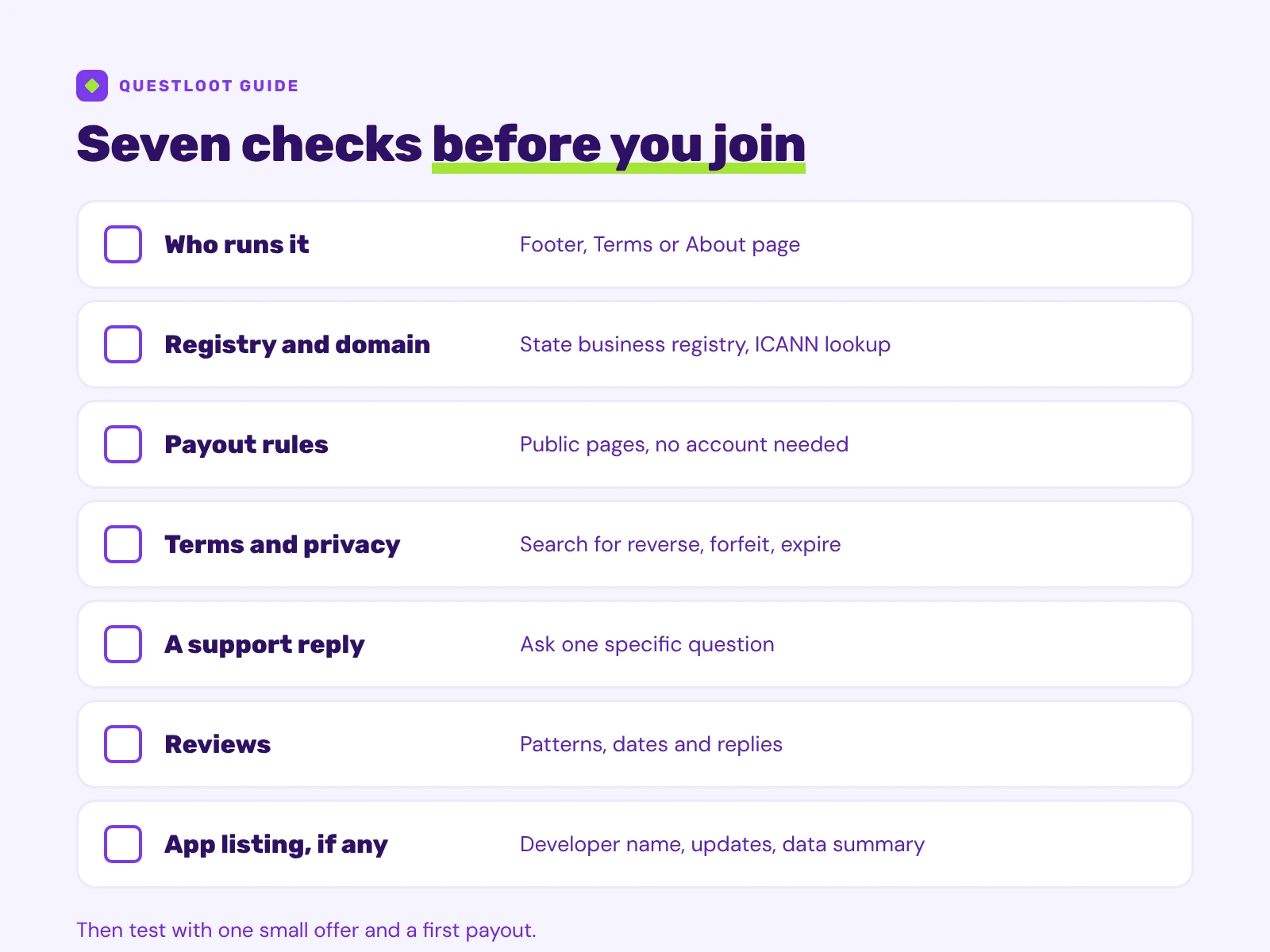 The seven checks in this guide, each with an empty box to tick as you go.
Which checks are specific to quests, surveys and tasks?#
The general checks above work for any site. Each earning type then has its own questions:
- Game quests: how tracking works, who counts as a new player and how time limits run. See how to earn rewards playing mobile games.
- Surveys: screening questions and the profile data you share. See how to earn rewards taking online surveys.
- Tasks: who pays, how proof is judged and how to spot task scams. See how paid member tasks work.
- Payouts: what each stage of a cashout means. See how cashouts work.
How do you run these checks on QuestLoot?#
Run them on QuestLoot the same way you would anywhere else. Its Terms name the operator and the state it's organised in, so you can run the registry check on it too. Our own answers are set out on the Is QuestLoot legit? page and in the FAQ, and the best use of them is to compare them with what you find yourself.
Ready to try one offer?#
If a site passes your checks, pick one offer you'd enjoy anyway and see how the whole path goes. A good place to start is to see how game quests work.