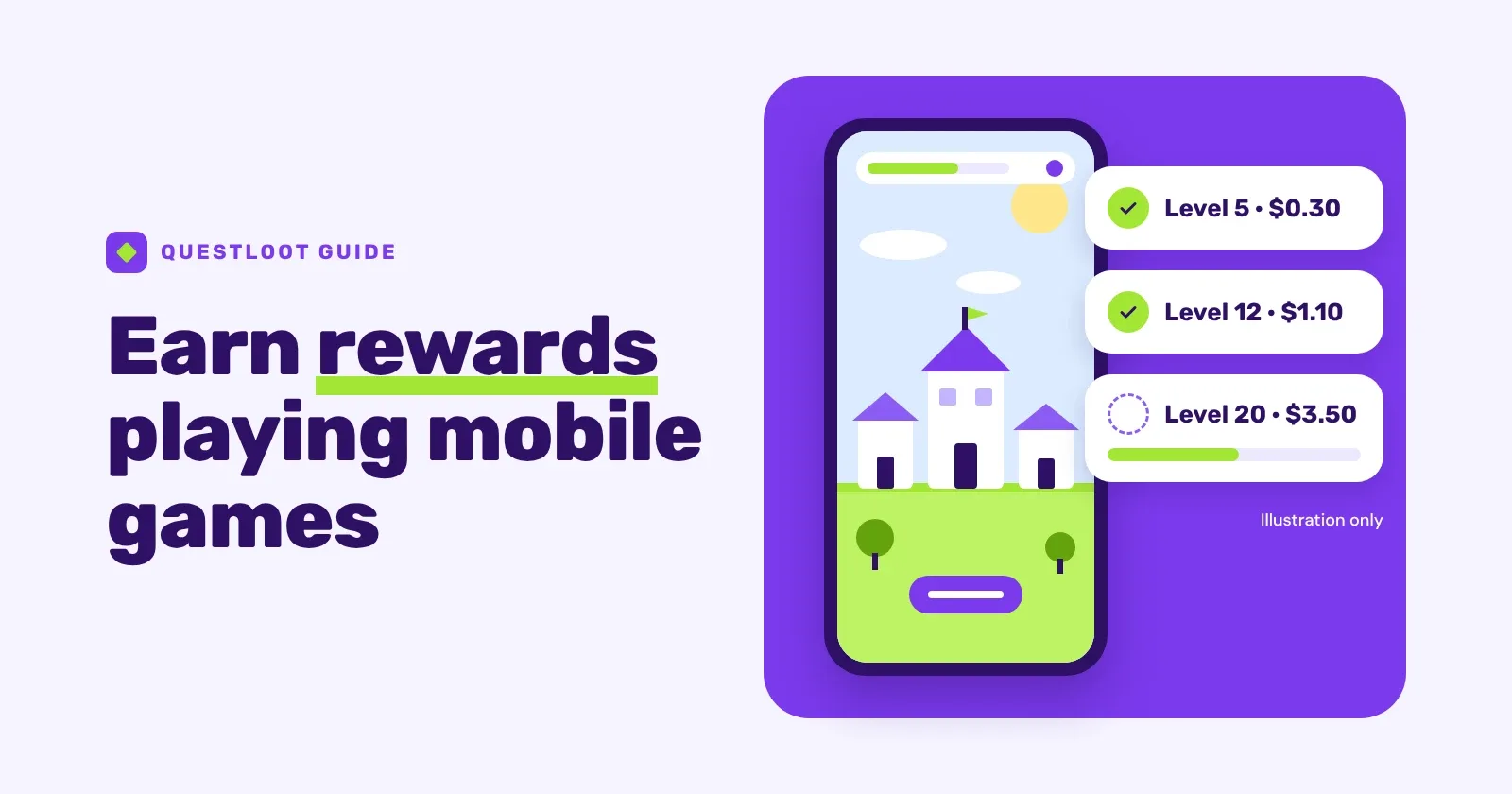
You earn rewards playing mobile games by completing game quests: offers that pay you when you reach set milestones in a game you've never played before, such as a town level or a finished chapter. You start the quest from a rewards site, play on your phone, and each milestone's reward lands in your balance once the game's partner confirms it. When the balance reaches the minimum, you cash it out.
Does it really pay? Yes, but modestly. Game quests are a way to get something back for time you'd spend playing anyway, not a way to make a living. This guide shows how the money works, how to start a quest so it tracks, how to work out what a quest really pays for your time, and what to do when a milestone doesn't credit.
How do you get paid to play mobile games?#
Game publishers pay to find new players, and they pay most for players who stick around. Rewards sites list some of those campaigns as offers. When you reach a milestone the publisher cares about, the site is paid for it and passes part of that payment to you as your reward.
That's why most game quests pay for progress, not for the download. A quest is usually split into several milestones, each with its own reward, so you collect as you go and don't have to finish the whole list to earn something. You can see how this looks in practice on QuestLoot's game quests: each one lists its milestones and rewards, any time limit and rules, and whether a purchase is required, before you start.
Good to knowA milestone is credited when the game's partner confirms you reached it, not when you see it on your screen. The partner decides what counts, so the quest's own crediting details are the rules that matter.
What are the ways to get paid for playing games?#
"Apps that pay you to play games" covers a few quite different models. It helps to know which one you're looking at:
| Model | What you do | What to watch |
|---|---|---|
| Milestone quests on a rewards site | Install a new game from the site and reach set milestones | Tracking, time limits, new-player rules |
| Playtime and points apps | Collect points for time spent in games the app picks | How points convert to rewards |
| Skill-tournament apps | Pay an entry fee to compete against other players for prizes | You can lose your entry fees |
| Game testing | Give feedback on games before release | Closer to feedback work than play; openings come and go |
This guide covers the first model. It's the one where the requirements and the reward are shown before you start, and starting a quest costs nothing.
What does a game quest look like?#
Here is a made-up quest for a city-building game. The numbers are for illustration only. Real quests, rewards and time limits vary by game, device and account.
| Milestone | Example reward |
|---|---|
| Reach town level 5 | $0.30 |
| Reach town level 12 | $1.10 |
| Reach town level 20 | $3.50 |
| Reach town level 30 | $9.00 |
Example only, with a 30-day time limit for every milestone.
The early milestones pay little but come quickly. Most of the value sits in the last one or two, and those take far longer, which is the pattern to judge before you start.
How do you work out what a game quest really pays?#
The headline total tells you very little until you set it against the time it takes. Estimate how long each milestone will take you, then divide the reward you'd have collected by the hours you'd have played. With rough, made-up play times for the quest above:
| If you stop after | Total reward | Rough play time | Reward ÷ hours |
|---|---|---|---|
| Level 5 | $0.30 | 15 minutes | $1.20 |
| Level 12 | $1.40 | 1.5 hours | $0.93 |
| Level 20 | $4.90 | 6 hours | $0.82 |
| Level 30 | $13.90 | 18 hours | $0.77 |
Example only, with invented play times. Not typical results or a benchmark.
In this example the return for your time falls as the quest goes on, even though the last milestone looks the most generous. That last milestone also carries the most risk: if you run out of time before level 30, those 12 extra hours earn nothing. Picking a stopping point before you start is what makes a quest feel worth it.
How to earn rewards playing mobile games, step by step#
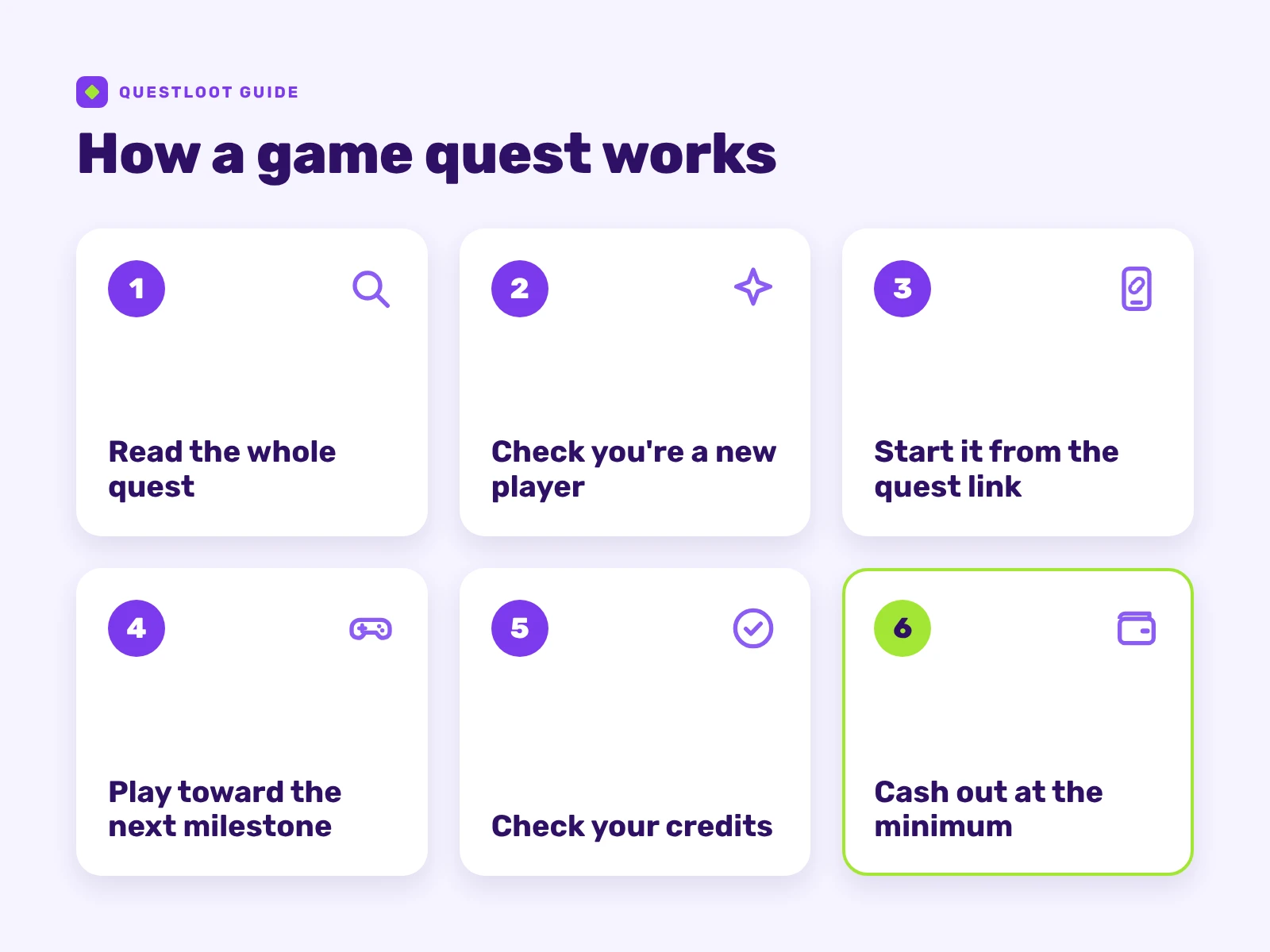 How a game quest goes from first tap to cashout.
Step 1: Read the whole quest before you install anything#
Look at the full milestone list, not just the total. Check the time limit, any rule about who can take part, whether a purchase is required, and the section on how the quest gets credited. On QuestLoot that section often includes a line such as "Usually credits within…", which tells you how long a milestone typically takes to show up. Which quests you see depends on your account, device and country, so a friend's list may look different.
Step 2: Make sure you're a new player#
Most game quests are only for people who have never installed that game, whether or not the quest says so. If you've played it before on any device or account, it may not track even after a fresh install. When in doubt, pick a game you've never touched.
Step 3: Start the quest from its link, on the phone you'll play on#
Tap the quest's start button and install the game from the store page it opens. Don't search the app store yourself first, because an install the partner can't link to your quest usually can't be credited. Browsing QuestLoot on a computer? Scan the quest's QR code with your phone and start it there.
Step 4: Play toward the next milestone#
Focus on whatever moves you to the next milestone. Learn the game's core loop early, skip side content that doesn't count, and keep an eye on the countdown. If you can see you won't reach a later milestone in time, stop at the one you decided on.
Step 5: Check your credits#
Some credit quickly and others take longer, depending on the partner. On QuestLoot, quest rewards of $20 or more are currently held for 7 days after the milestone before you can cash them out, and the quest shows this on each milestone it applies to. Keep a screenshot of each milestone until its reward shows in your balance.
Step 6: Cash out when you reach the minimum#
On QuestLoot the minimum is $5 (in whole dollars) for gift cards, PayPal and prepaid cards, or $0.50 for a crypto payout. Any signup bonus that's still locked doesn't count toward it. You can request one cashout every 24 hours, and before your first one you complete a one-time identity check. Every cashout goes through a flexible, risk-based review process and is typically processed within 24 hours. The Cash Out page shows the methods available to your account.
How do you choose game quests worth your time?#
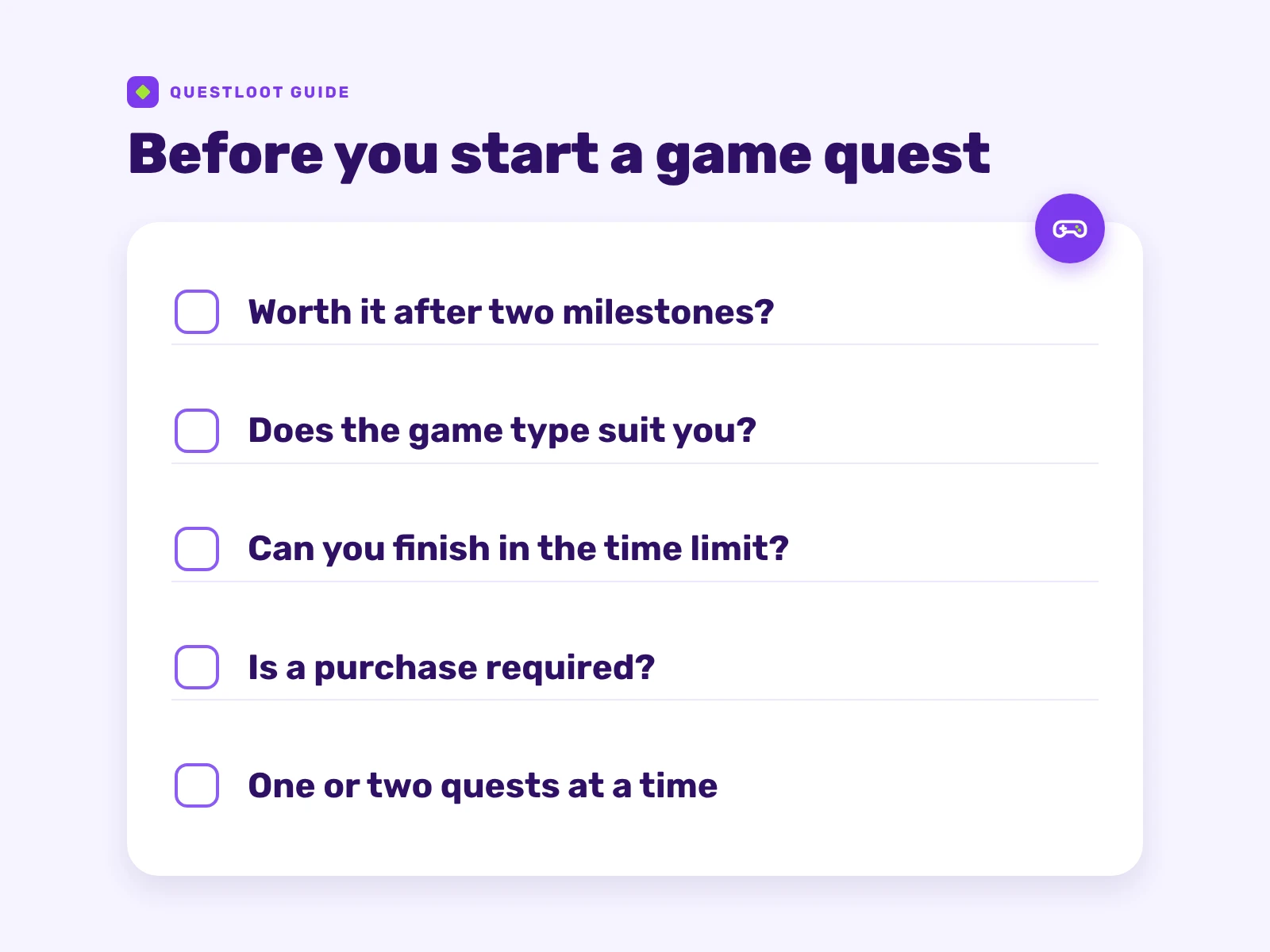 Five checks before you start a game quest.
Do the math on the first two milestones#
Run the calculation above on the first two milestones, because those are the ones you're most likely to reach. If you'd be unhappy stopping there, the quest probably isn't for you, however big the total looks.
Match the game type to how you like to play#
The genre tells you a lot about how the milestones will feel. These are common patterns, not rules:
| Game type | What milestones often look like |
|---|---|
| Puzzle and casual | Level counts that get harder as you go |
| City builders and strategy | Building levels gated by timers, so short daily sessions |
| Idle and merge | Progress that builds while you're away, checked a few times a day |
| RPG and collectors | Chapters or account levels, often a longer commitment |
If you dislike checking in every day, a timer-heavy strategy game will feel like a chore. A puzzle game you can play in one sitting may suit you better, even if it pays less.
Compare the time limit with your pace#
A 30-day limit sounds generous until the last milestone needs an upgrade that takes days to finish. Look at the gaps between milestones and be honest about how often you'll play. A milestone you don't reach in time shows as expired and isn't credited.
Decide on purchases before you start#
Some quests are labeled as needing a purchase. Work out the cost first, check that the purchase actually counts toward the milestone, and never spend more than you'd be comfortable losing. A purchase that only speeds things up doesn't change what the quest pays.
Start with one or two quests#
Juggling several games makes it easy to miss a deadline. Finish one quest, see how crediting works for you, then add another. If daily play isn't for you at all, surveys and tasks often pay for shorter sessions.
Why don't game quests track, and what do you do when a milestone doesn't credit?#
Most missing credits happen because the partner can't connect your game activity to your quest. These are the usual causes:
- Installing before starting the quest. The install has to come from the quest's own link.
- Switching devices. Start and play the quest on the same phone.
- Uninstalling, reinstalling or clearing the game's data mid-quest. This can stop the partner linking your activity to the quest, so keep the game installed until the last milestone you're going for has credited.
- Using a VPN or proxy. These can stop a quest tracking, and QuestLoot's terms don't allow using them to mask your location.
- Logging into an old game account. Progress on an existing account usually doesn't count as a new player.
On iPhone and iPad, some games ask whether they may track your activity. That prompt is about advertising and advertising measurement, and the choice is yours. Apple explains what the tracking prompt means, and you can change it later in Settings > Privacy & Security > Tracking. Whether your answer affects crediting depends on the quest, so check its crediting details first.
TipOpen the game as soon as it installs from the quest link, and follow the quest's own instructions from the very first screen.
If a milestone still hasn't credited, don't start the quest again. Work through this instead:
- Wait for the usual crediting time, if the quest shows one.
- Check the exact requirement. "Reach level 20" and "complete level 20" can be different things.
- Gather proof: a screenshot of the milestone, the date you started and the date you reached it.
- Contact support from the quest itself, using the support link in its details, or through the contact page. Include the quest name and dates, and never share passwords or more personal information than support asks for.
QuestLoot credits your balance once the partner reports a completion. If it doesn't, support makes a reasonable effort to resolve it with the partner for you, but the outcome isn't certain. The FAQ also answers questions about missing rewards, expired quests and cashouts.
Are apps that pay you to play games legit?#
Many are, but the category attracts copycats. A legitimate game rewards site is free to join and shows you what each quest asks and pays before you start. Walk away if a site:
- asks you to pay to unlock earnings or to claim a reward,
- asks for your card number, bank login or passwords just to sign up or get paid,
- promises a fixed income, or pressures you to act fast.
The FTC's advice on spotting side-hustle scams flags similar signs: promises of big money for little effort, pressure to decide fast, and demands to pay upfront. If you want to check QuestLoot itself, we've set out how to check whether QuestLoot is legit, including how cashouts are reviewed.
How much can you realistically earn playing mobile games?#
There's no honest single number. What you earn depends on which quests are offered to your account and device, how long their milestones take you, whether you finish inside the time limits, and whether each milestone tracks. The calculation above is the most reliable guide you have, because it uses your own pace. Treat game quests as a small extra on top of playing you'd do anyway, not as a job or a reliable income.
Depending on where you live, rewards may count as taxable income. In the US, the IRS's general rule is that income is taxable unless the law specifically exempts it (IRS overview), so check your local rules if you earn a meaningful amount.
Would you rather answer questions than play? Our guide to earning rewards with online surveys covers how paid surveys work, how to choose them and what to do when a reward goes missing.
Ready to try a game quest?#
QuestLoot is free to join, and new accounts get a $2 signup bonus that unlocks $0.50 for every $2 you earn. Browse the current game quests, pick one whose first two milestones look realistic, and decide your stopping point before you install.