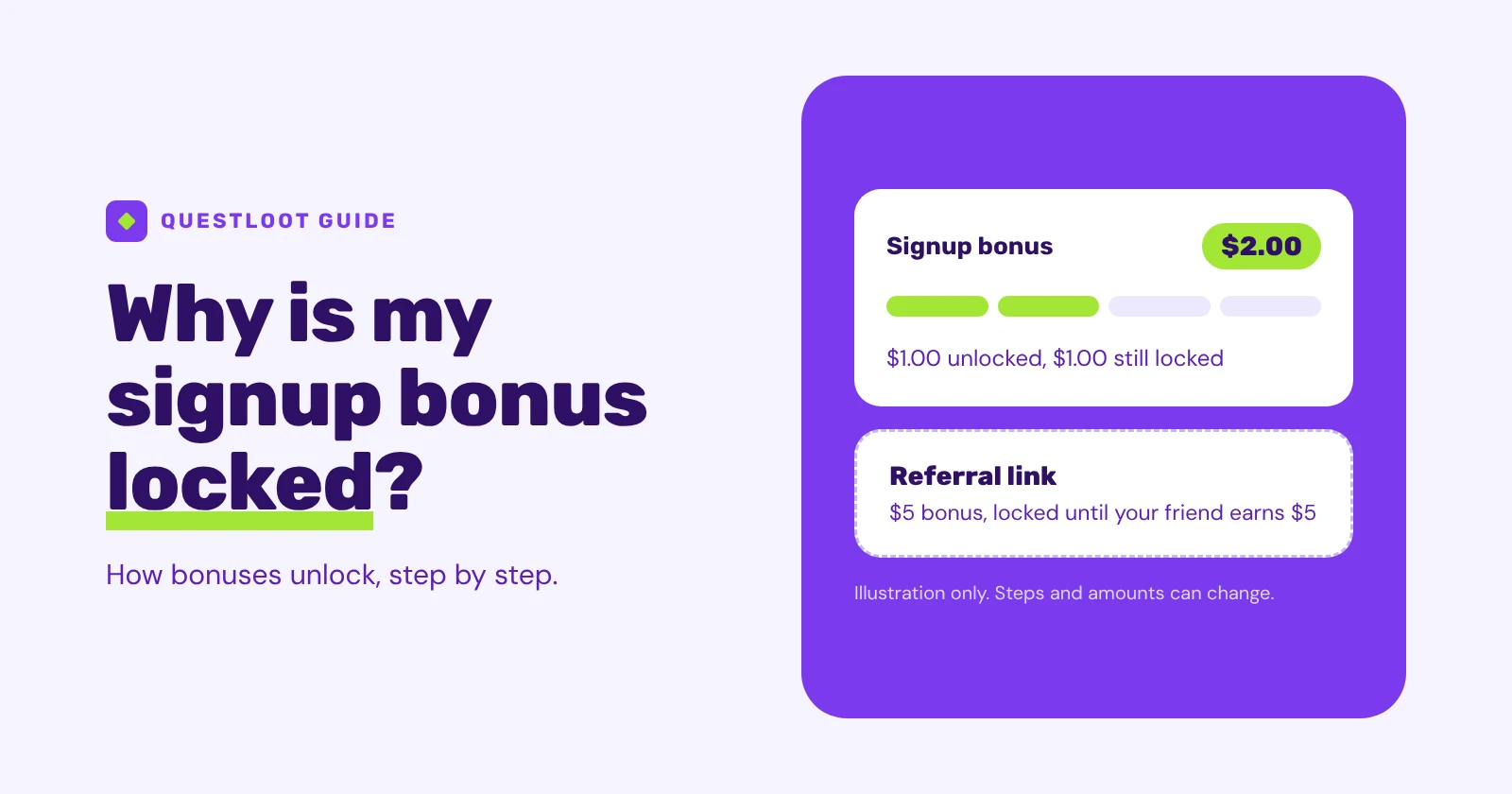
On many rewards sites, a signup bonus is promotional credit that you can see in your account but can't cash out until you meet a condition, usually earning a set amount yourself. Referral bonuses follow the same idea, except the condition is your friend's activity. On QuestLoot, a new account's $2 signup bonus currently opens in four $0.50 steps, one for each $2 you earn. This guide shows how the unlock works step by step, what counts toward it, how referral bonuses and bonus codes fit in, and how to read the fine print on any rewards site.
What does it mean when a signup bonus is locked?#
A locked bonus is credit that has been added to your account but isn't yours to withdraw yet. It has no cash value on its own, it can't be transferred to anyone else, and the Terms say only one signup bonus is available per person and per household.
A locked bonus isn't lost just for being locked: each step unlocks as you earn. The bonus is credited in steps, and each step unlocks when you earn enough. QuestLoot's Terms say the steps are "as shown at signup and on your account dashboard", and that an account keeps the steps it was granted if they change later. So the numbers below are for new accounts at the moment of writing.
How does a step-by-step unlock work?#
A signup bonus that unlocks in steps works like a staircase. You earn, a step opens, and you keep going. Right now a new account's $2 bonus has four steps, and each one opens after another $2 of your own earnings.
| You've earned | Bonus unlocked so far | Earned plus unlocked |
|---|---|---|
| $2 | $0.50 | $2.50 |
| $4 | $1.00 | $5.00 |
| $6 | $1.50 | $7.50 |
| $8 | $2.00 (fully unlocked) | $10.00 |
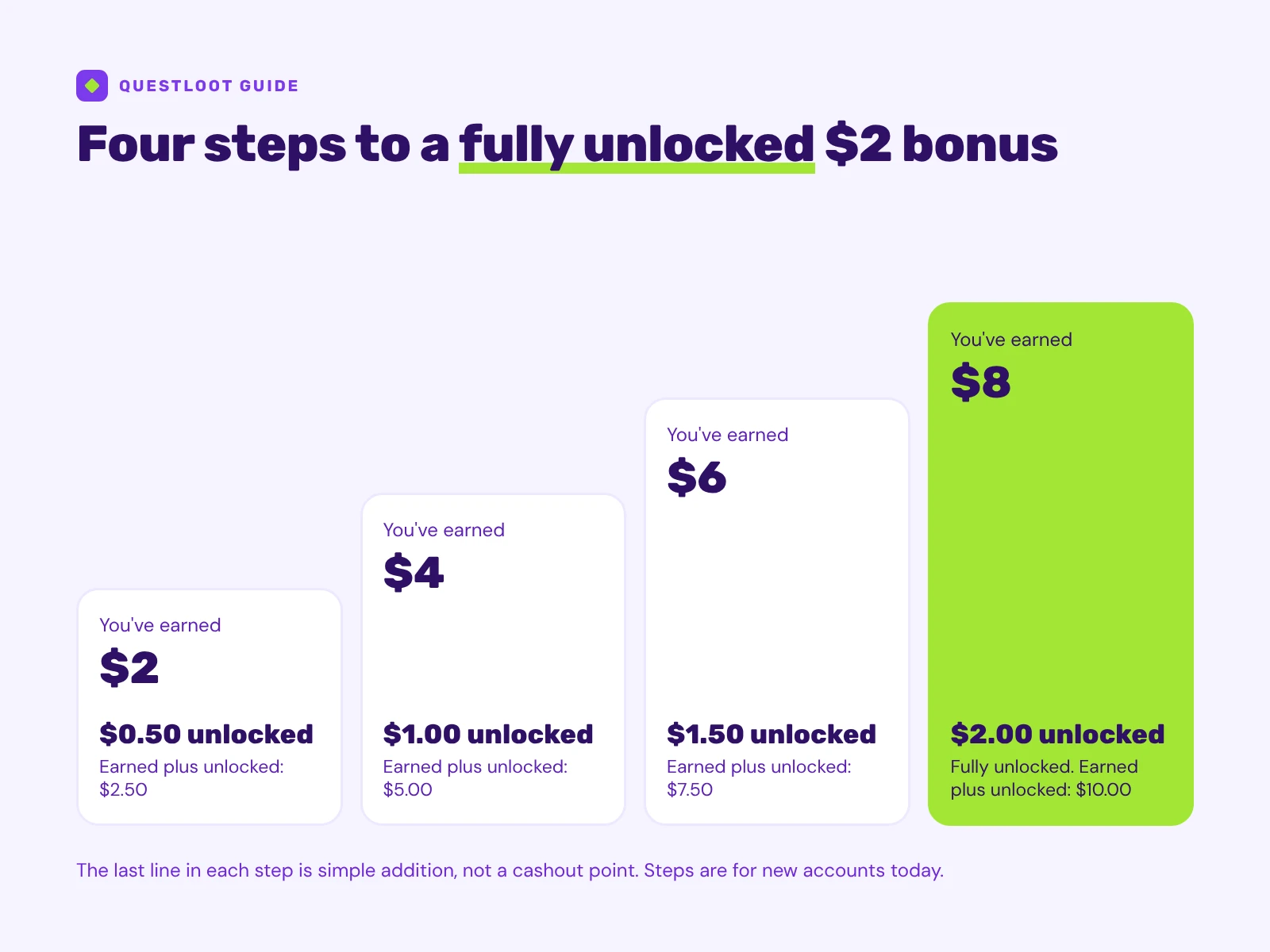 Four steps for a new account's $2 signup bonus. Illustration of the current steps.
The last column is plain addition, not a promise that you can cash out at that point. A cashout draws on your Withdrawable Balance, and each payout type has its own minimum. Our guide to how cashouts work lists them and covers what happens next. Once you're signed in, the Cash Out page shows locked amounts separately, as a Bonus Balance next to your Withdrawable Balance, along with how many steps have unlocked so far.
A quest reward that's held after it's credited is a different thing from a locked bonus. It also stays out of the Withdrawable Balance until its hold ends, but it isn't part of the signup ladder.
What counts toward unlocking it?#
Only your own activity counts. On QuestLoot, these all move the bonus along:
- Completed quests and offers. The signup page points to your very first quest as the place to start.
- Completed surveys. Survey rewards count once they've been credited.
- Approved task payouts. Money from member tasks counts when the poster approves your proof, or when approval happens automatically. Our guide to how member tasks work explains how approval works.
- Cash bonus codes. A code that adds a stated cash amount counts too.
Two things don't count: the signup bonus itself and referral bonuses. The FAQ has the full list.
How do referral bonuses work?#
Referring friends opens up once your signup bonus is fully unlocked, so every step has to be done first. When it's open, a Refer a Friend page appears in your menu, and you accept the Referral Terms before you share your personal link.
Both sides of the link work like this:
- Your friend gets the standard signup bonus. It's the same bonus every new account receives, not an extra amount for being referred, and it unlocks the same way. Being referred doesn't take anything away from it.
- You can become eligible for a $5 referral bonus once a referral qualifies. It's credited in locked form when the referral is recorded, and it unlocks once your friend separately earns $5 from completed offers and surveys.
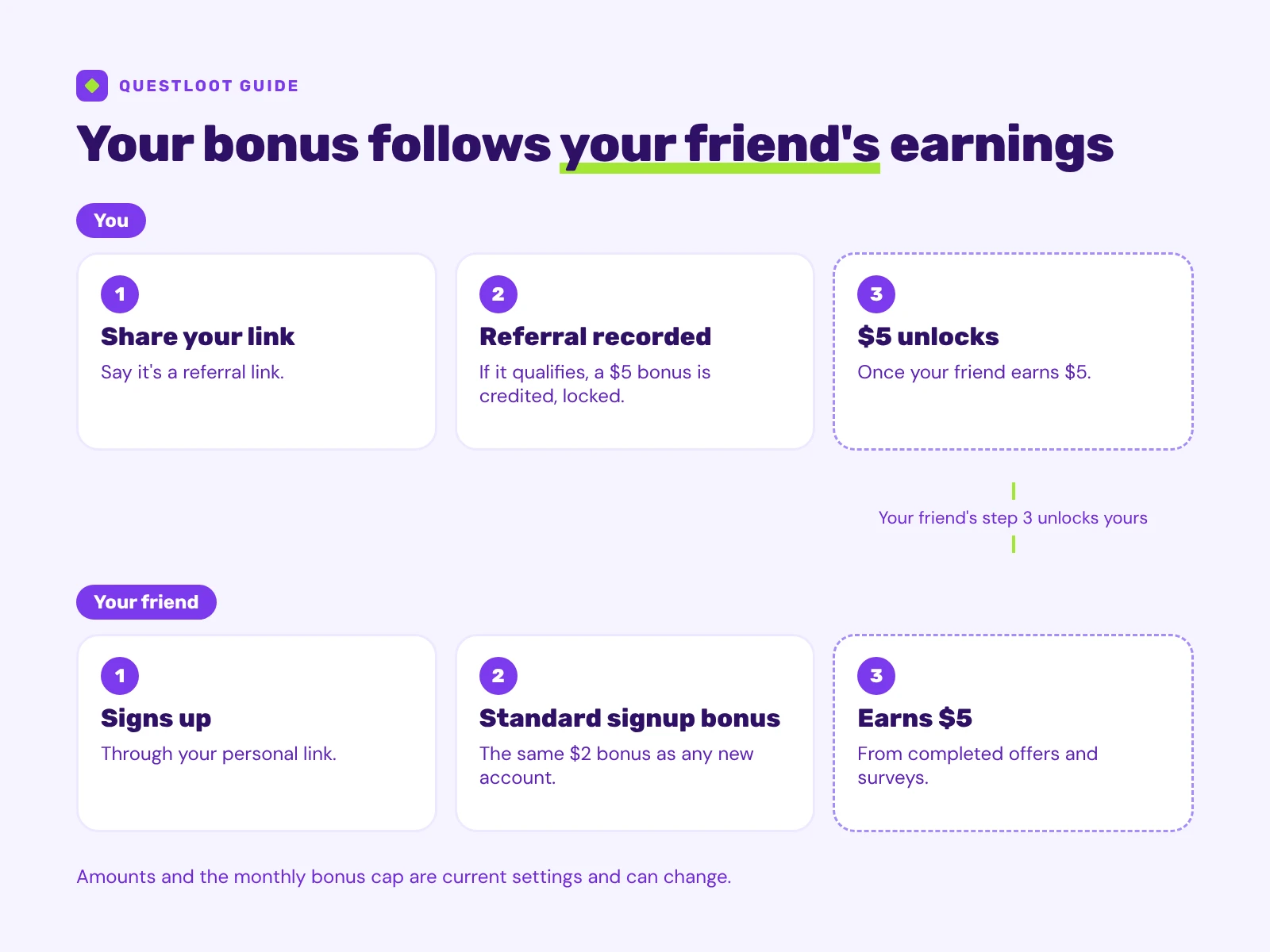 Your bonus follows your friend's earnings, not yours.
There's no limit on how many friends you can refer. The Referral Terms say that currently no more than 5 referral bonuses per calendar month are paid out per referrer, and that further referrals in the same month are still recorded, just without a bonus.
Some referrals don't qualify. You can't refer yourself, an account you control, an account that shares your household or device, or an account that already exists or used to. A referral that appears to come from the same person or device doesn't earn a bonus, though the friend's own signup bonus isn't affected.
How should you share a referral link?#
Be upfront that the link earns you something. The FTC's Disclosures 101 for Social Media Influencers puts it in one line: "Disclose the relationship if you got anything of value to mention a product." It adds: "Place it so it’s hard to miss." The FTC's guidance is written for influencers, but it's a sensible standard for anyone sharing a link that earns them something. A plain note beside the link, such as "I get a bonus if you join through this link", is a simple way to do it.
The Referral Terms point the same way. They don't allow referral links to be spread through spam, unsolicited messages, or paid or incentivized traffic without clear disclosure that it's a referral link. They also don't allow misrepresenting QuestLoot, the program or the bonuses. In practice:
- Share with people who would actually use the site.
- Say plainly what your friend gets: the standard signup bonus, which unlocks as they earn.
- Don't promise anyone how much they'll make.
- Keep the link out of messages nobody asked for.
What are bonus codes?#
A bonus code is a separate kind of promotion. According to the Bonus Codes page that members see when signed in, a code "might be extra cash, or a limited-time reward boost". A cash code adds a stated amount to your balance, and a boost code raises what you earn from offers for a limited time.
Under QuestLoot's Terms, each code can be redeemed once per account, may have a limit on total redemptions, and can be withdrawn at any time. A code's credit can also be revoked in the same circumstances as other promotional credit. A cash code counts toward unlocking your signup bonus. Never pay anyone for a bonus code. A code that costs money is a warning sign, whoever is selling it.
Can you lose a bonus?#
Yes, in a few specific cases. Section 5 of the Terms allows QuestLoot to modify, revoke or claw back promotional credit it decides was obtained through fraud, abuse, multiple accounts or a violation of the Terms. The Referral Terms say a referral bonus, whether locked or already unlocked, may be revoked or debited on similar grounds, including a breach of the Referral Terms or a violation of the Terms by the friend you referred. Section 6 of the Terms also says balances may be forfeited if an account is terminated for violating the Terms, or if it is inactive for an extended period, as disclosed to you at that time. Deleting your account also gives up a bonus that is still locked, so closing an account early means losing the rest of that bonus.
The referral program can also change or end. The Referral Terms say changes apply to bonuses that haven't unlocked yet, and bonuses that have already unlocked aren't affected. If something looks wrong in your account, reach out through the contact page with the details.
How do you read bonus fine print on any rewards site?#
Bonuses work differently from site to site, so check these before you count on one:
- What unlocks it: your own earnings, time passing, or a friend's activity?
- What counts toward it, and what doesn't?
- Is there a deadline, a cap, or a limit per month?
- Who is excluded, such as people in the same household or on the same device?
- Can it be taken back, and on what grounds?
- Where does the site show your progress?
- Can the terms change, and what happens to a bonus you've already started?
If a site can't answer these in plain words, treat the bonus as a nice extra and not as something to plan around.
Ready to start earning toward your bonus?#
Pick a game quest to start working toward the first step.